
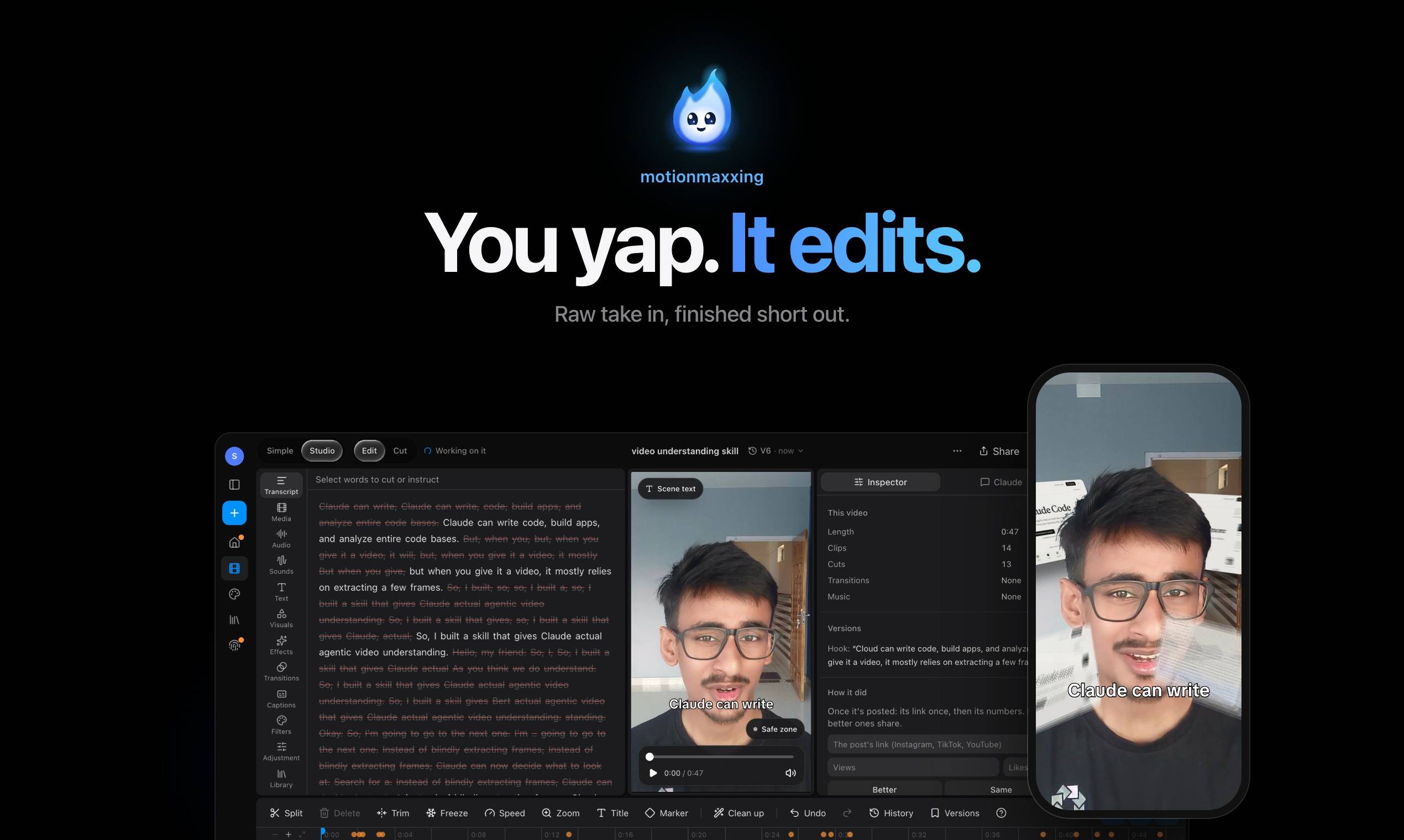
**motionmaxxing** turns a raw talking-head take and a script into a finished short-form video. It runs on your Mac, with Claude doing the editing on your own Claude login.
**You yap. It edits.** You drop in the take. It cuts out the fumbles and adds captions, face zooms, b-roll, real screenshots of what you mention, sound and a motion graphic for every beat. You watch it, change anything, and post.
```bash
brew install subh05sus/tap/motionmaxxing
mm login # once: sign in to Claude
mm # opens the studio
```
## Features
### The cut
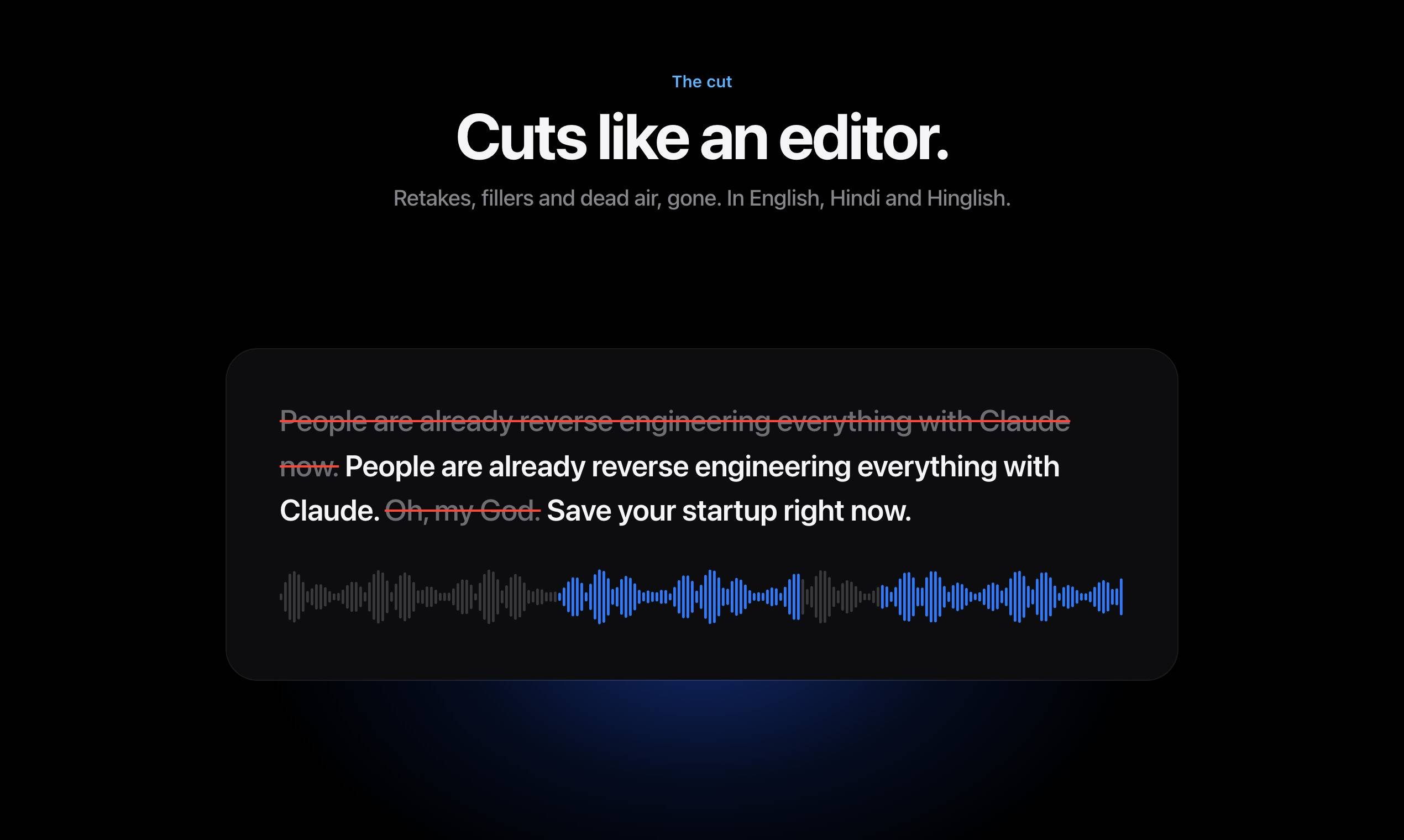
- **Cuts like an editor would.** Every retake, false start, filler ("um", "like", "अम्म", "matlab") and dead pause comes out, and the last good take of each line stays. Where two takes are close, it watches the video to choose.
- **Never cuts inside a word.** The transcript and the cut always match, and a check runs after every cut to make sure.
- **English, Hindi and Hinglish.** Each with its own fillers, restarts and number words. It hears Hindi by sound, so a retake written in Latin letters still matches the first try in Devanagari.
- **Listens back.** After a render it listens to the cut again to check it, and it learns how tight you like your cuts from a raw take next to the reel you posted.
- **Transcribed on your Mac's GPU** with whisper.cpp (large-v3-turbo). Nothing is uploaded.
### The edit
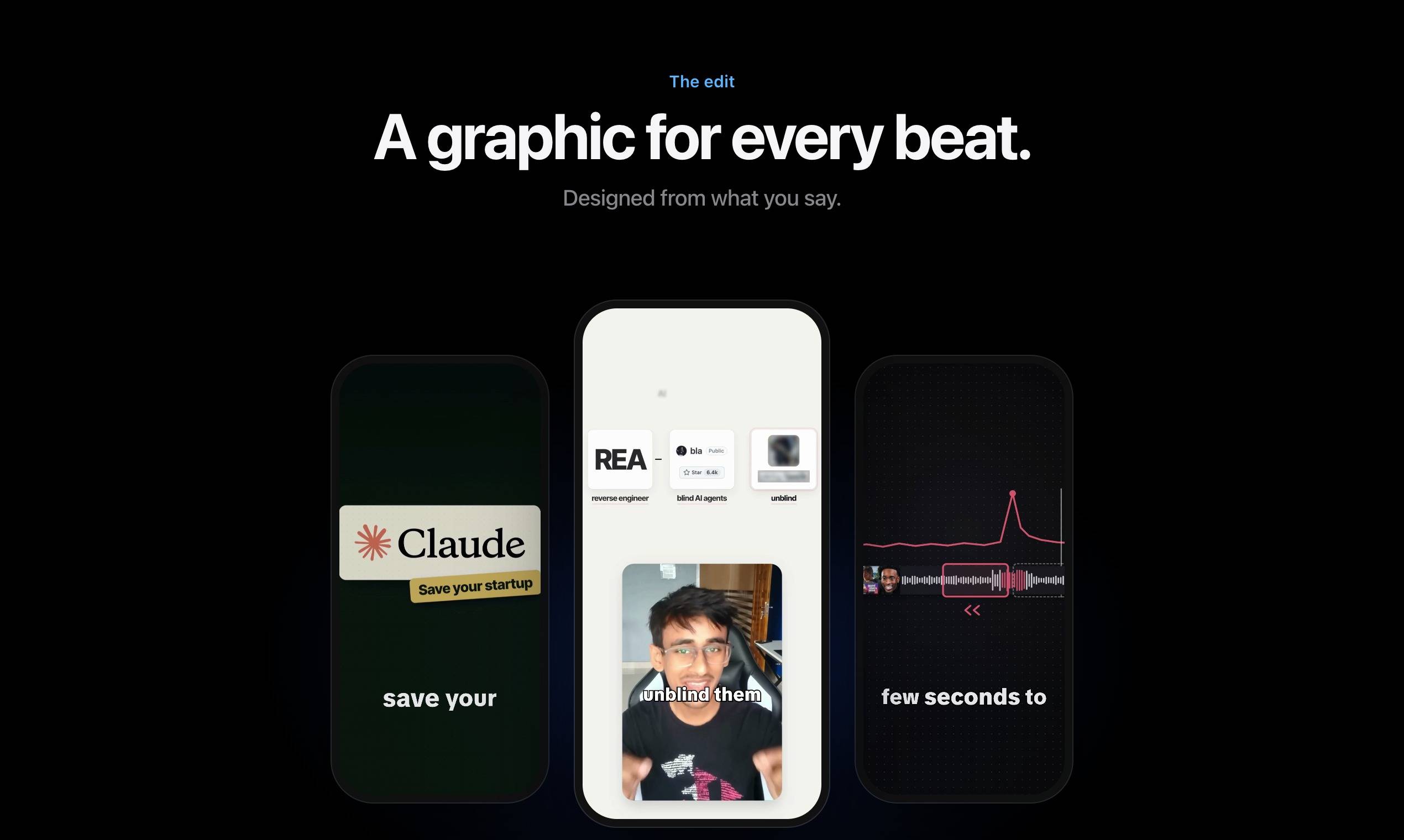
- **Motion graphics for every beat.** It reads each line and designs a graphic for it, with each one flowing into the next. Say "every day" and you get a calendar that fills up. Graphics go behind the speaker, on half the screen, in a small box or full screen.
- **Captions and zooms.** Words pop up as you say them, the shot punches in on the words you stress, and Hindi captions use their own Devanagari font.
- **Real proof on screen.** The actual post, thread, article or quote clip you mention, captured with the line you mean marked.
- **B-roll and sound.** Clips from your own library or free stock, plus music and sound effects.
- **Your style.** It measures your own reels (pace, captions, zooms, colours) and edits every new video that way. Styles can be shared as files.
- **It learns from your fixes.** A change you keep making ("cut ends kept 0.10 s longer, 5 times in 3 videos") is offered as the new default.
### The studio
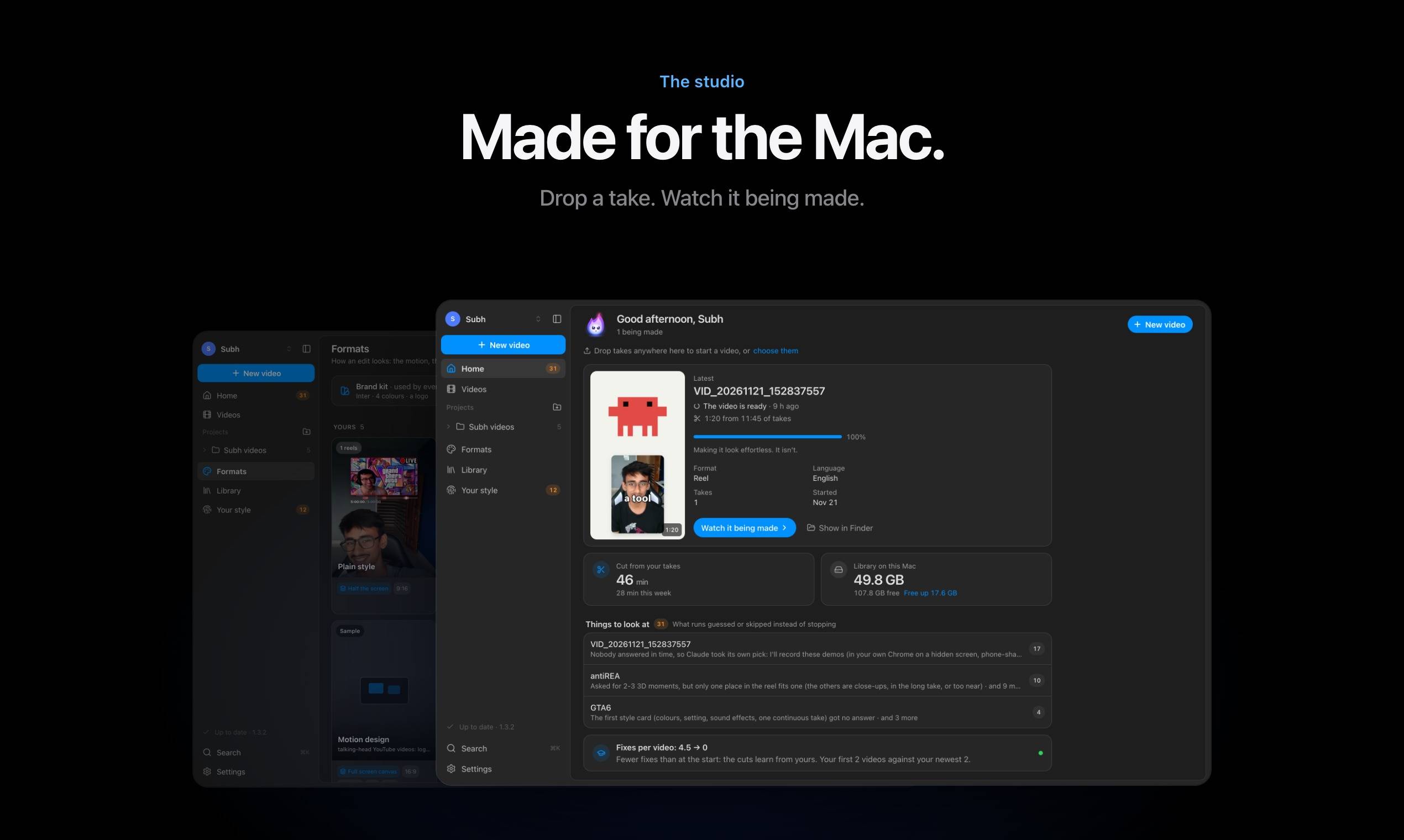
- **A Mac-style app.** Dark mode with Apple glass on the floating controls, a guided first run and Glow, the mascot, as a guide.
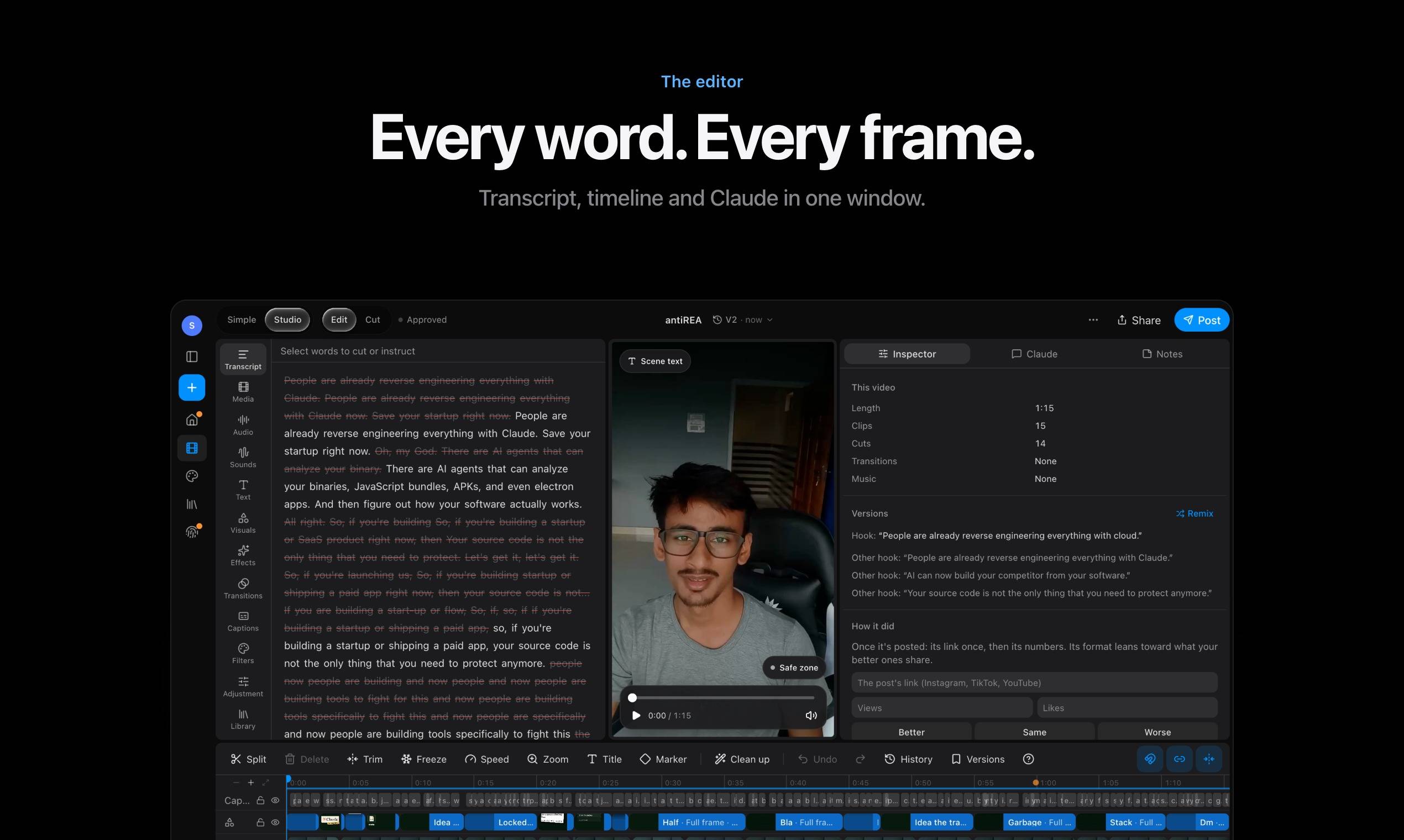
- **The editor.** The video in the middle, the transcript on the left with cut words struck through (click to bring one back), Claude and your notes on the right, and a timeline below with frames and a waveform.
- **Notes on the frame.** Pin a note to a moment, draw on the paused frame, and Claude answers each note in its own thread.
- **Adjust and AI tools.** Studio sound (on-device noise removal, voice EQ, -14 LUFS), a colour look matched to a reference, background blur or replacement, and Apple super resolution for small takes.
- **Manual mode.** Split, trim, freeze, speed, zooms and titles by hand, with Final Cut's keyboard shortcuts, undo and named versions.
- **Compare versions** side by side, or have Claude redo the edit in another of your styles.
- **Post kit.** A title, caption and hashtags written from what you said, ending with your call to action.
- **Profiles.** Two creators in one studio, each with their own videos, styles and learned taste.
### Demo recorder
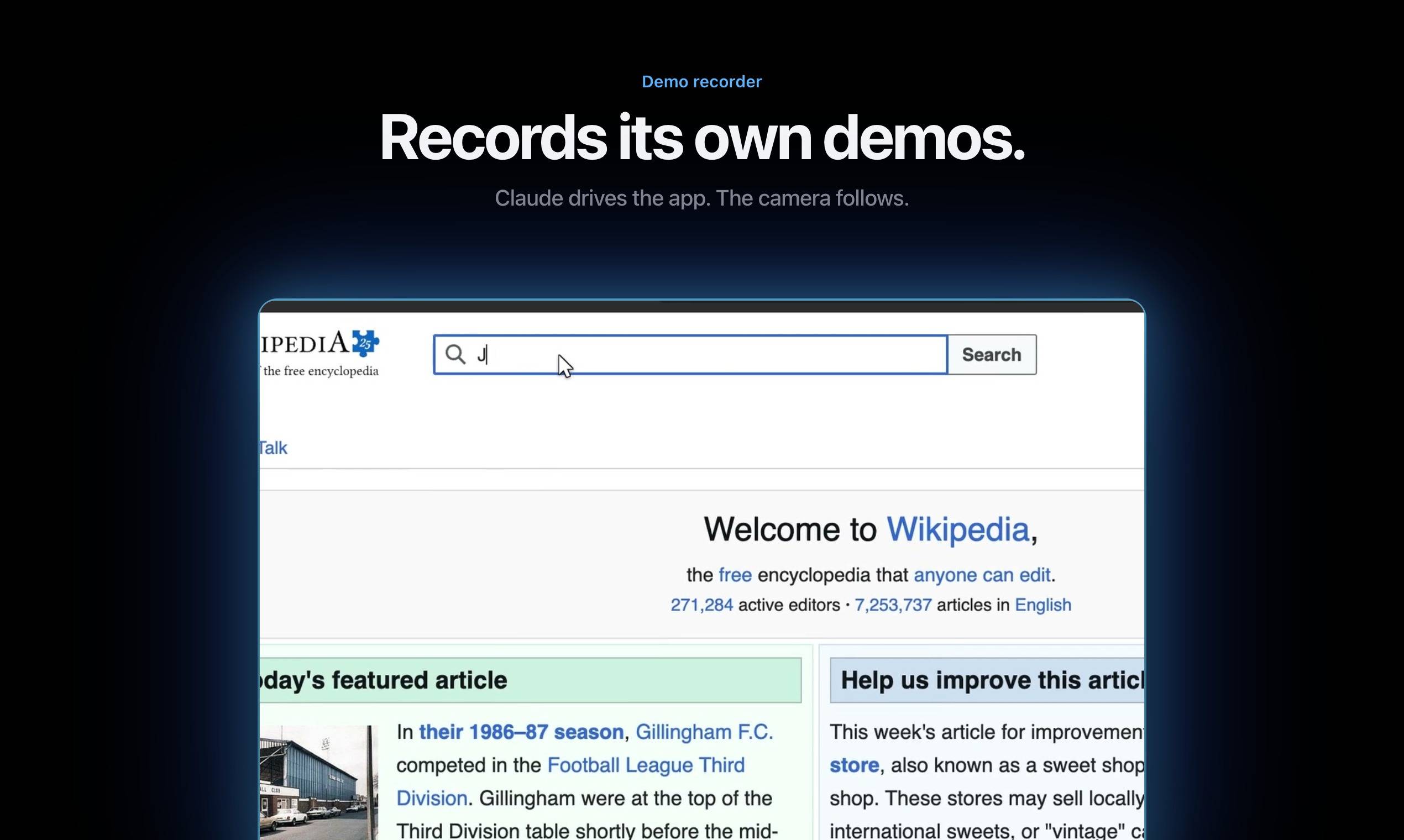
- **Records product demos by itself.** Give it a site or an app and one sentence. Claude drives it on a hidden screen, so your mouse stays free.
- **Built to watch.** The waiting plays fast, a spring camera follows each click, a macOS cursor is drawn in and personal data is blurred. It records wide and vertical.
### Export
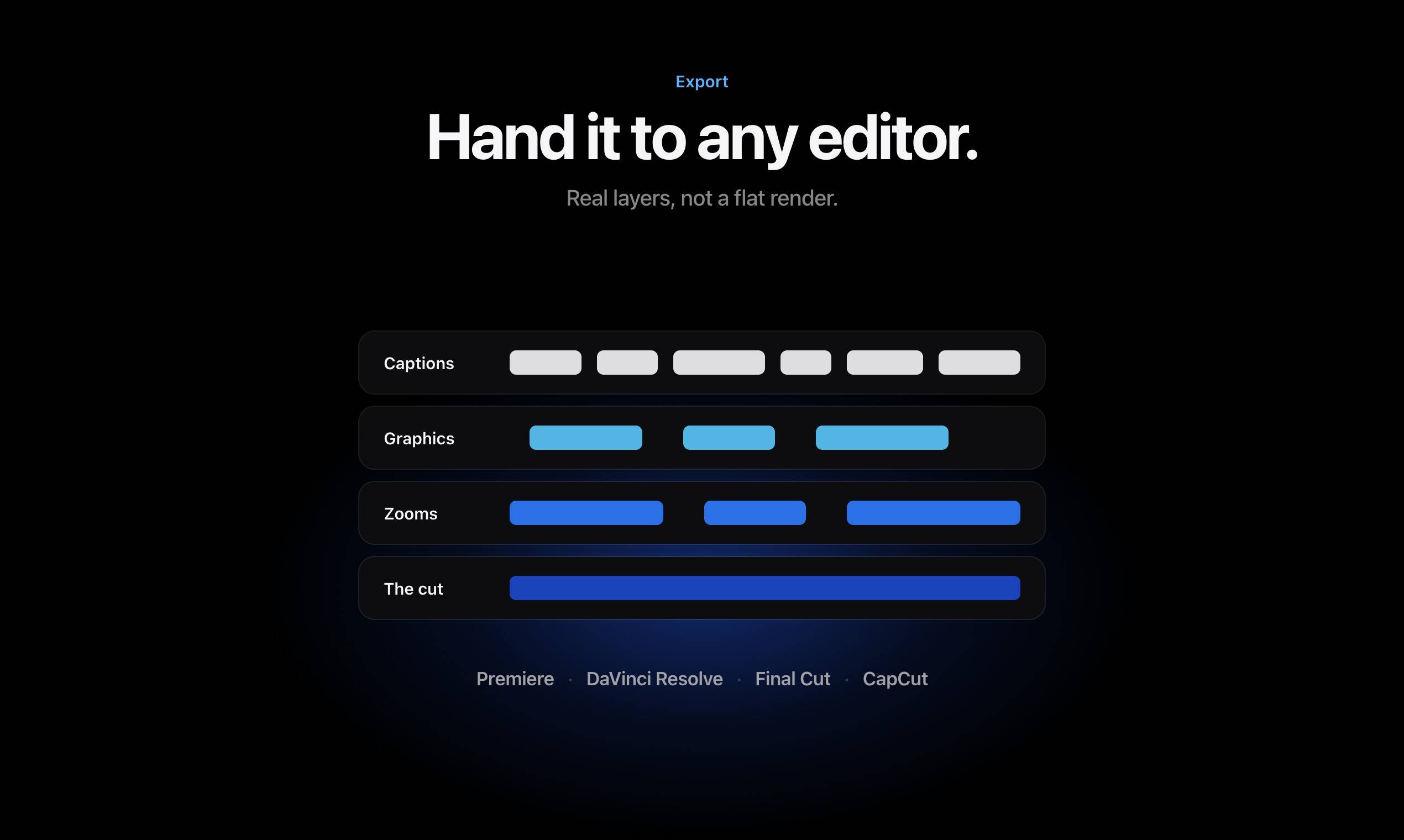
- **Hand off to any editor.** Premiere, DaVinci Resolve, Final Cut and CapCut get real layers: the cut nested on the raw take, zooms and card entrances as keyframes, captions as text, the look as a LUT.
- **Round trip.** Re-edit the cut in your editor, bring the timeline back, and the edit carries on from there.
### Extras
- Shorts from a long video, a product video from a URL, a reel copied onto your own b-roll, creator teardowns, and fact-checking a script against today's sources.
## How it's built
- **Studio:** a TypeScript server and a React interface in a native macOS window (Swift), with Claude running through the Claude Agent SDK on the user's own login.
- **Engine:** a Claude Code plugin of skills and agents, with Python tools for the cut, the transcript and the audio.
- **Renderer:** Remotion for the edit and motion graphics, plus FFmpeg.
- **On-device AI:** whisper.cpp on the GPU, Apple Vision for faces and cutouts, Apple super resolution.
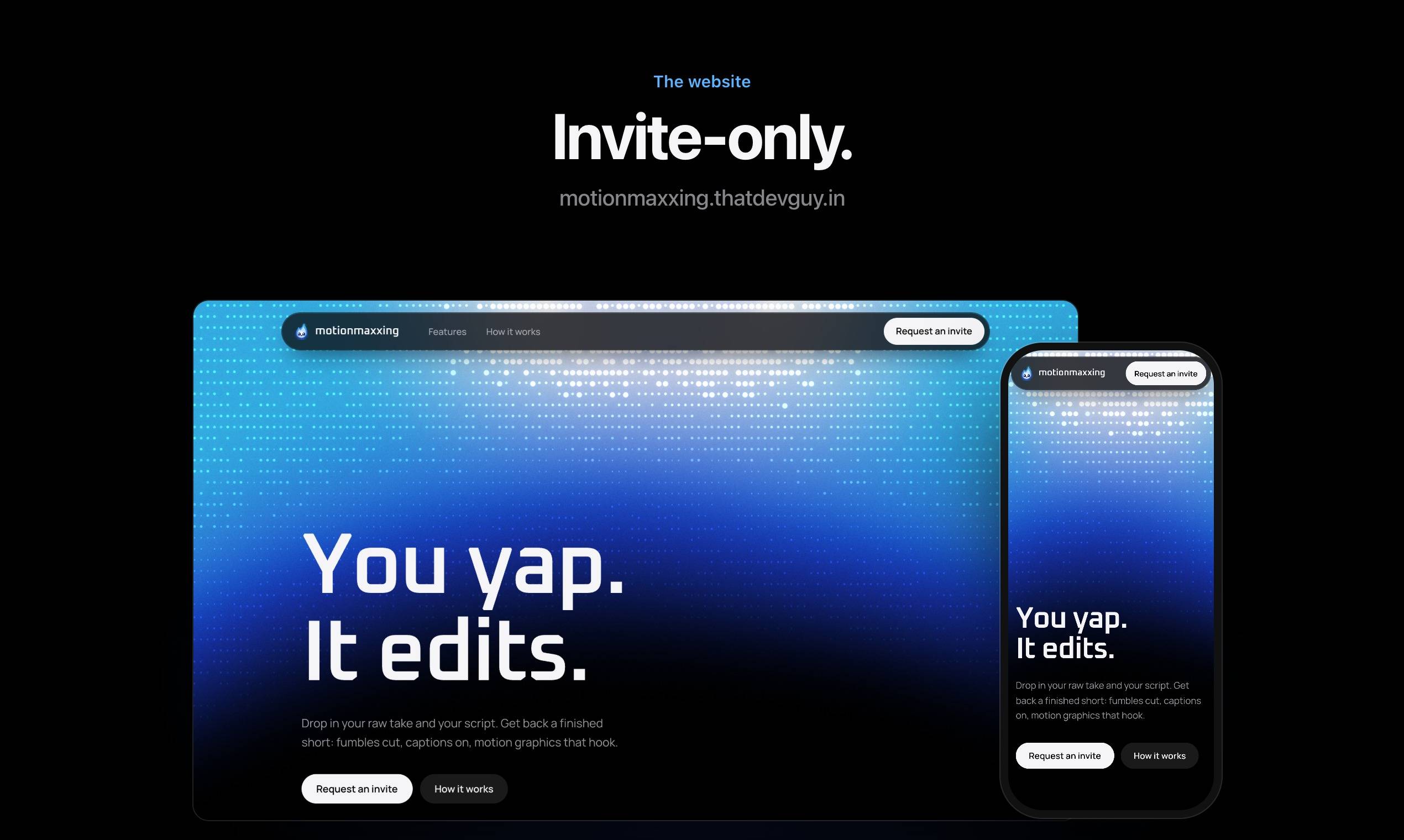
- **Website and accounts:** [motionmaxxing.thatdevguy.in](https://motionmaxxing.thatdevguy.in), Next.js on Vercel with Better Auth, Neon Postgres and Resend. Invite-only. An account is tied to the Mac's security chip.
- **Shipped with Homebrew:** `brew install` brings Node, FFmpeg, whisper.cpp and Python with it.
### **Runs on your Mac. No API keys, no paid services.**
TypeScript
React
Swift (native macOS window)
Claude Agent SDK
Claude Code plugin (skills + agents)
Python
Remotion
FFmpeg
whisper.cpp (on-device GPU)
Apple Vision
Next.js
Better Auth
Neon Postgres
Vercel
Homebrew